
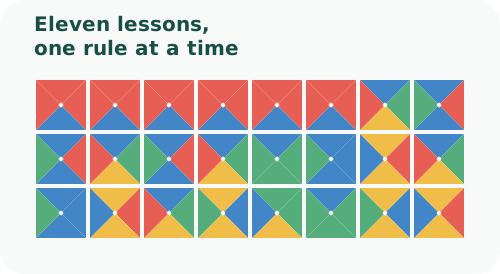
The in-game Tutorial is not a slideshow. Each lesson loads a deterministic 3 × 3 board, permits a carefully chosen action, and waits for the rule to be demonstrated before enabling Next.
A rule-by-rule progression
The opening lessons teach ordinary placement and color matching. Later boards introduce Loop boundaries, rotation, fixed wall cells and holes, Wildcards, finite inventories, Shuffle, and Rotation Only. The tenth lesson demonstrates Linked Tiles by filling three synchronized positions at once. The final lesson asks the player to place a two-color Directional tile whose same-color head and tail halves complete neighboring triangles.
Guided controls
Only relevant prototypes and destinations remain active during a lesson. Instructions identify the intended gesture, and the board highlights the current focus. Previous revisits an earlier lesson; passed lessons can be practiced again while keeping a yellow Next button available for immediate forward navigation. Quit tutorial returns to normal play, and starting again resumes at the furthest lesson reached in the current browser.
Why lessons are deterministic
Generated examples can accidentally hide the concept they are meant to teach. Tutorial boards instead use prescribed prototypes, walls, placements, and rotations. Automated tests replay every lesson action and verify that the resulting board is complete and conflict-free.
What to do afterward
Start with a small local board and enable hints. Then try an easy official puzzle whose mode uses only one additional rule. Add combinations gradually: Rotate plus Walls is easier to read after each rule is familiar on its own.
Keep How to Play open as a quick interaction guide, and use Puzzle Rules when a mode label contains an unfamiliar term.